Use the Learner Payments and Weekly Payments tabs on the EMA Management screen to:
 View and manage EMA payments by learner
You can view and manage EMA payments for any learner with a valid EMA Learner Agreement.
To view EMA payments by learner:
-
Select the Learner Payments tab.

-
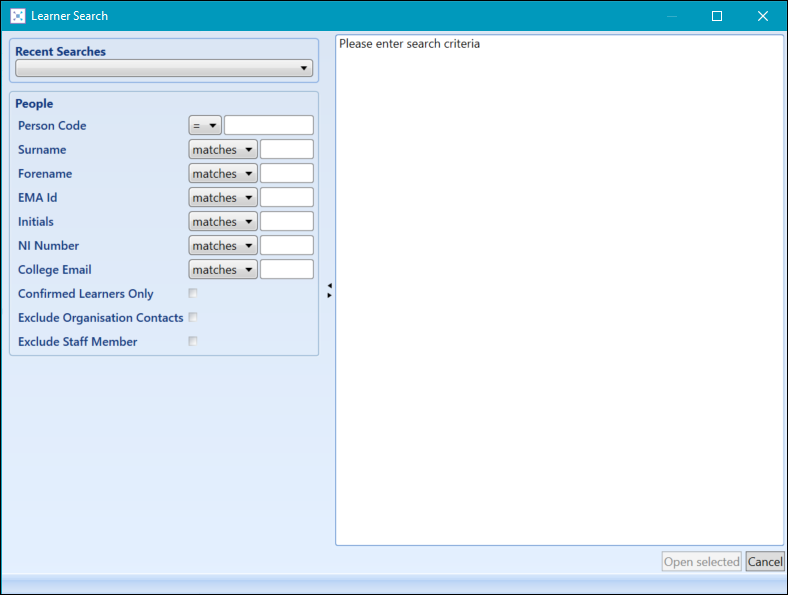
Select the Learner Search button.

The Learner Search window is displayed.
-
Search for and open the relevant learner record.
The selected learner's EMA record is displayed.
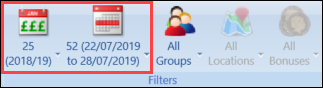
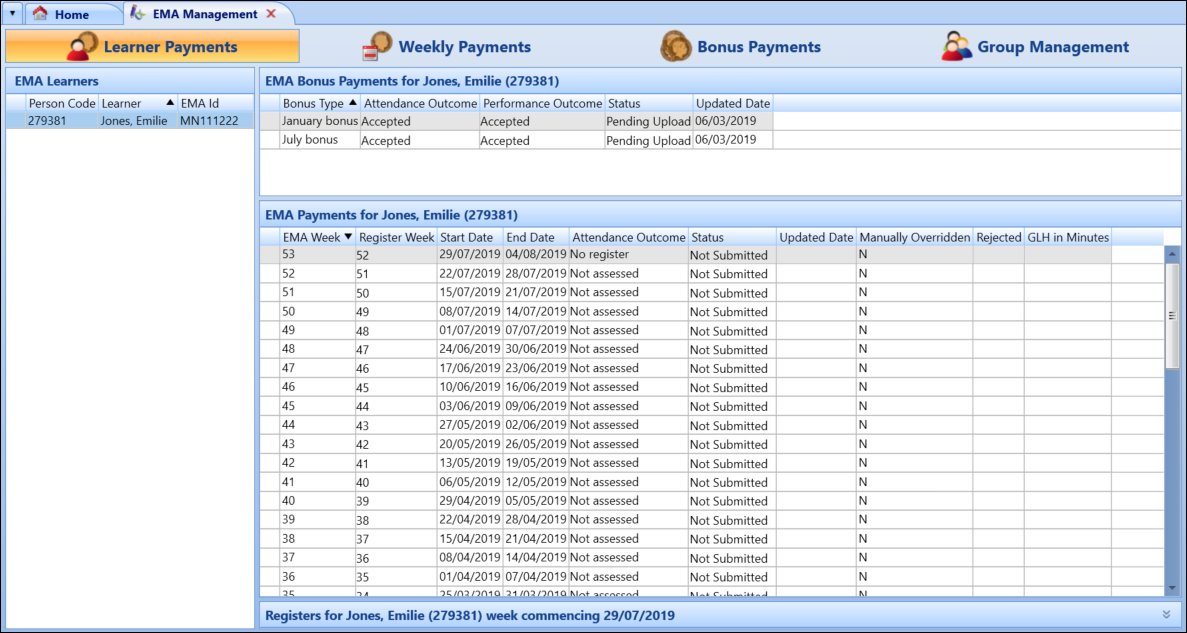 Important.You can view payments for previous years using the EMA Year filter drop-down menu.
 - Edit the relevant details.
The fields in the EMA Payments section are described in the following table.
 View and manage EMA payments by group
You can filter the records displayed in the Weekly Payments tab further by using the Groups filter.
To view EMA payments by group:
-
Select the Weekly Payments tab.

-
Select the group that you want to view payment records for from the Groups drop-down.
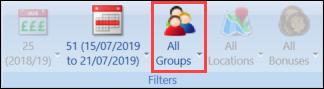
The Weekly Payments tab then displays all learners in the selected group.
 Important.Use the EMA Year and EMA Weeks filters to display the relevant year and week.