This panel of the ILR Processing tab displays a summary of the process options that you have selected. When you have set up the processing and/or output configuration, select one of the options to run the selected processes.
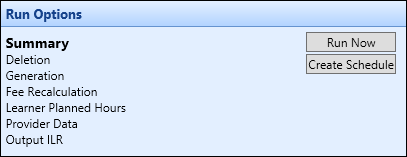
If you select the Run Now button the processes will be run locally on the PC you are using, which requires that you have a copy of the LARS and the FIS application on your PC, if you want to validate the output.
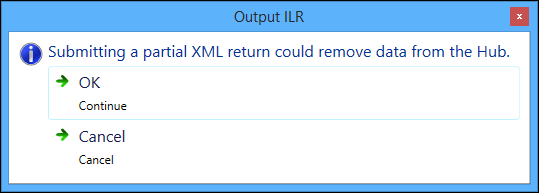
When creating an output that has been filtered (that is: you have selected the required learning types in the Output ILR section, and then selected the Run Now button), a warning message is displayed stating that submitting a partial return will delete other records from the Hub.
If you select the Create Schedule button the processing will be queued and carried out on a Central server, allowing you to switch off your PC and return to check the results at a later time.