You can carry out a download of assessment results for learners that have taken LNAAT assessments. A result can be in the form of a status (for example: if the learner did not complete the assessment) or a score.
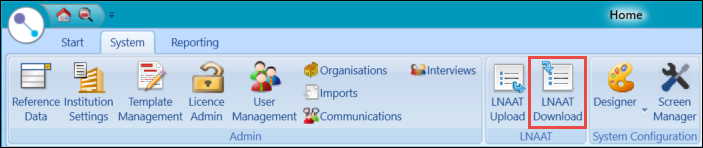
To start the upload, select the LNAAT Download button on the System ribbon.
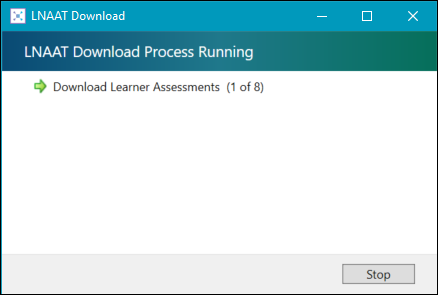
The LNAAT Download window is displayed and the download is carried out.
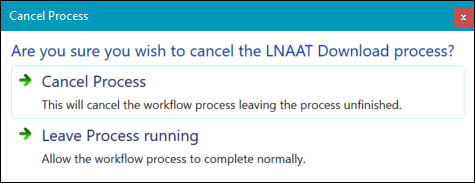
When the LNAAT download process is completed, do one of the following:
-
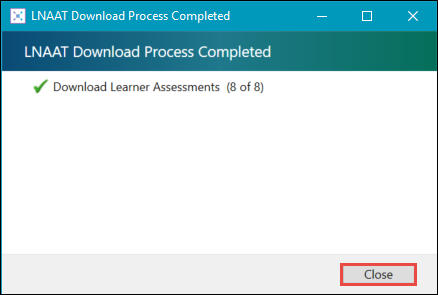
If the download completed without errors, select Close . The information is recorded against the appropriate records in EBS.
-
If the download completed with errors, select the hyperlink.
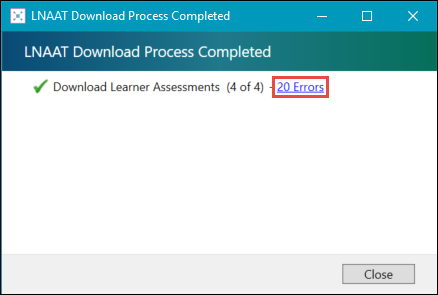
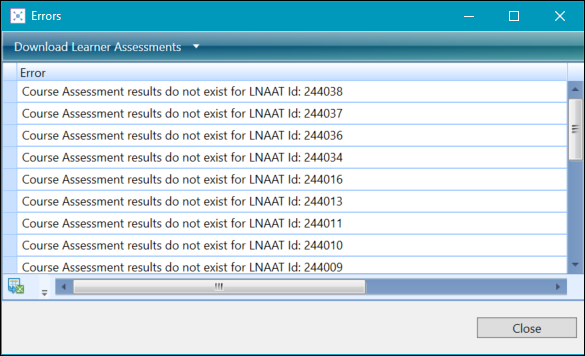
The Errors window is displayed, where you can view the list of errors.