You can access the Ontrack Staff Hub functionality integrated in the learner module by selecting the Ontrack tab in the left-hand pane.
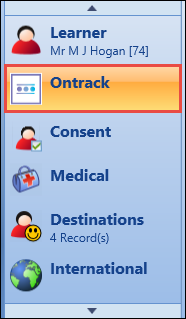
Important.The Show Ontrack in EBS Central Learner details institution setting on the Ontrack screen must be set to Y to display the Ontrack tab. You must also have the EBS4Agent5 licence and a primary role assigned to access the Ontrack tab.
This will load Ontrack Staff Hub, with the Learner Details page for the selected learner displayed by default.
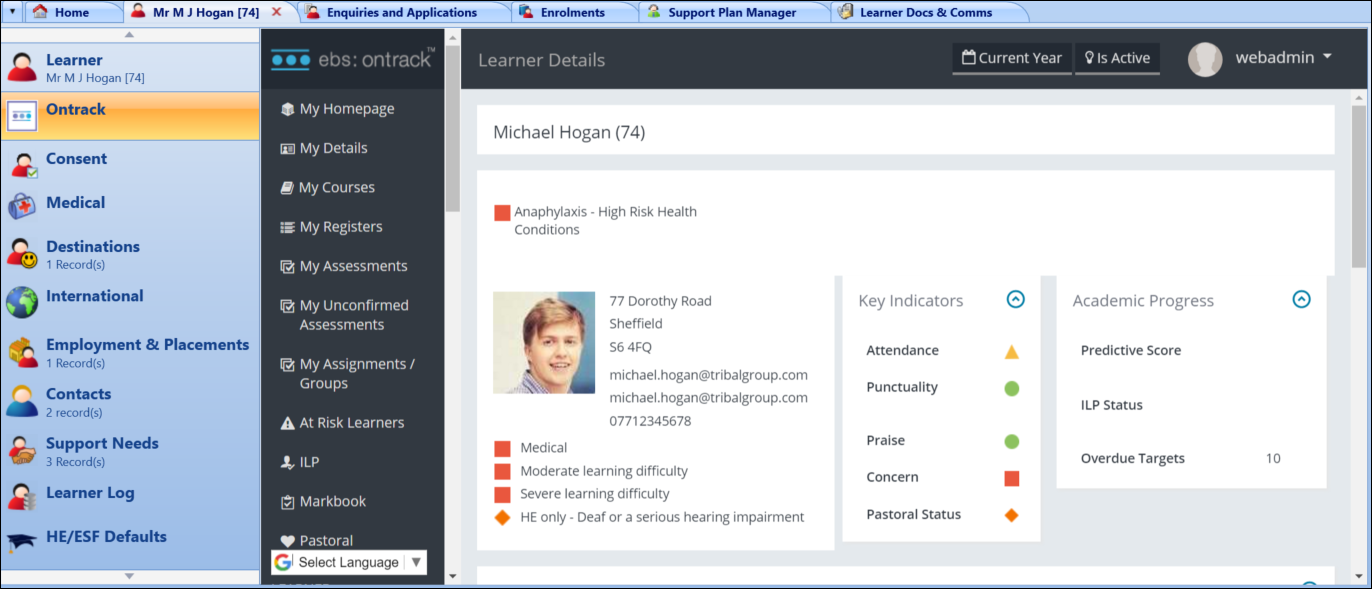
You can then use Ontrack Staff Hub and the ILP, Markbook and Pastoral modules if the relevant licences are held.