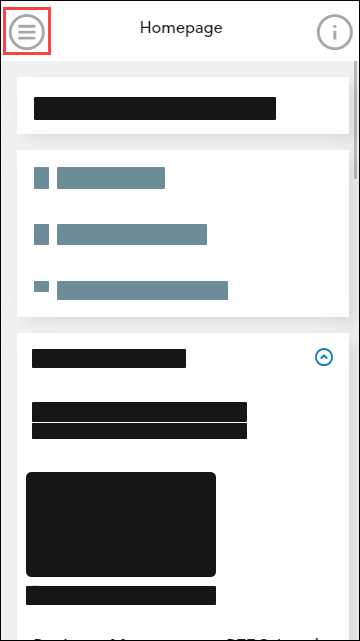
The navigation pane is minimised by default for mobile and tablet users and can be expanded by tapping the icon in the top left-hand corner of the screen so you can then select the required option.
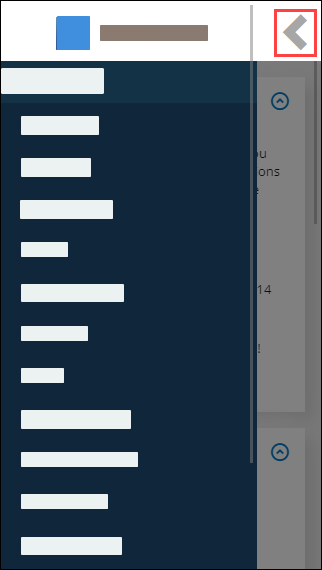
To minimise either the navigation pane or header options, tap the arrow button in the top left-hand corner of the screen and top right-hand corner of the screen respectively.
You can select from the following: