When you have applied for a course and receive an offer, you can accept or reject it.
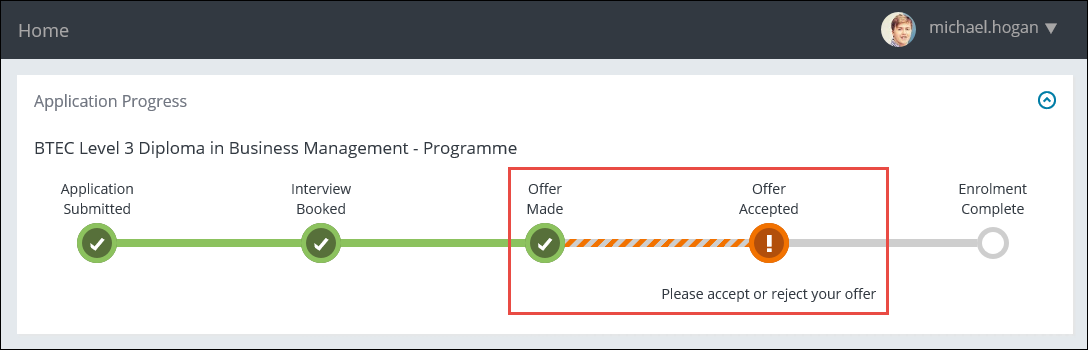
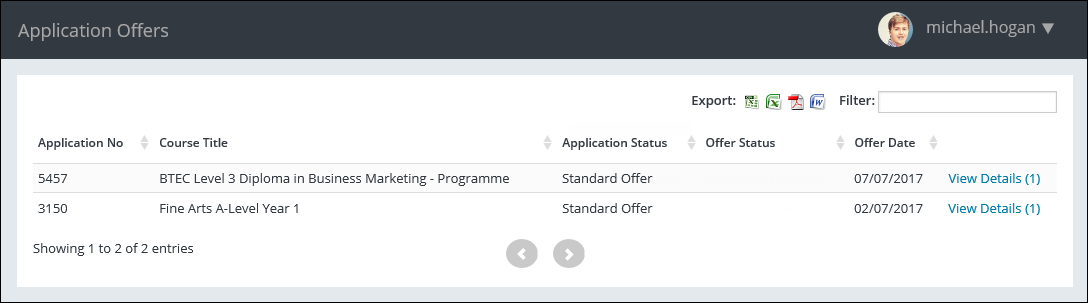
You can also view any application offers by selecting the Offers option in the navigation pane.
This will display the Application Offers page, which shows a list of your application offers.

This will display the Application Offer Details page.
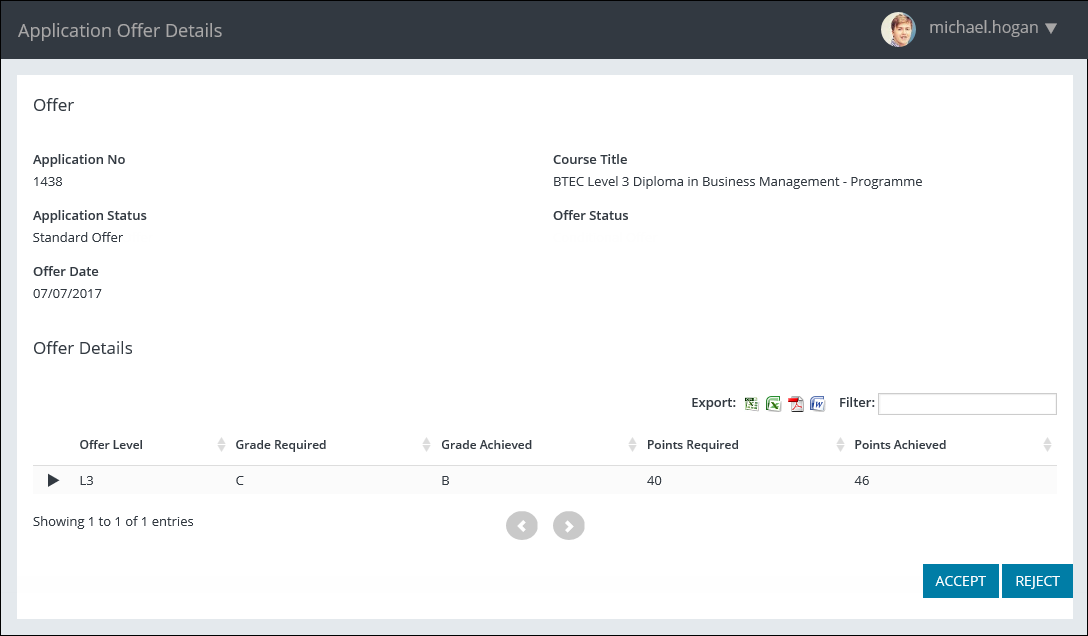
From this page, you can:
 Accept an offer
-
Select the Accept button for the offer.

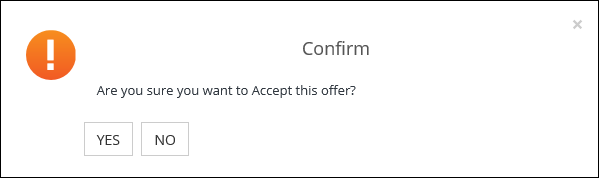
A message is displayed so you can confirm you want to accept the offer or cancel the process if required.
-
Select Yes .
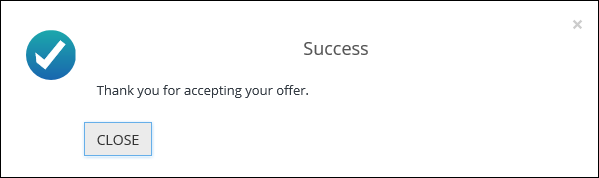
A message is displayed confirming that the offer has been accepted.
-
Select Close to close the message.
The offer is accepted.
Reject an offer
-
Select the Reject button for the offer.

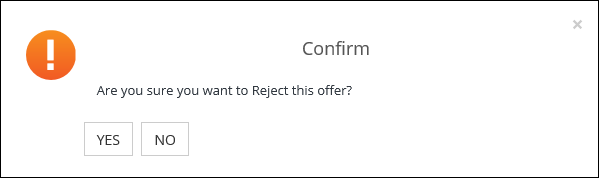
A message is displayed so you can confirm you want to reject the offer or cancel the process if required.
-
Select Yes .
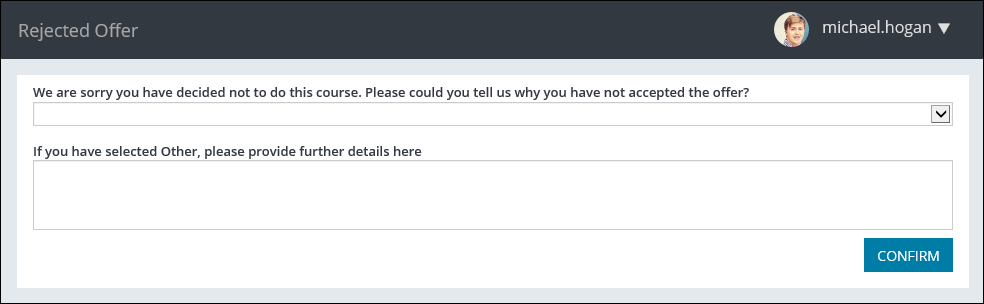
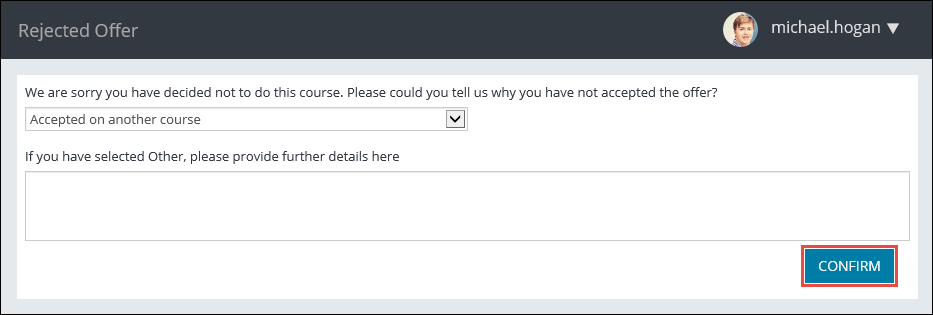
The Rejected Offer page is displayed so you can select a reason to reject the offer.
 Important.If you select Other from the drop-down list, you can also enter details of the rejection reason in an additional field.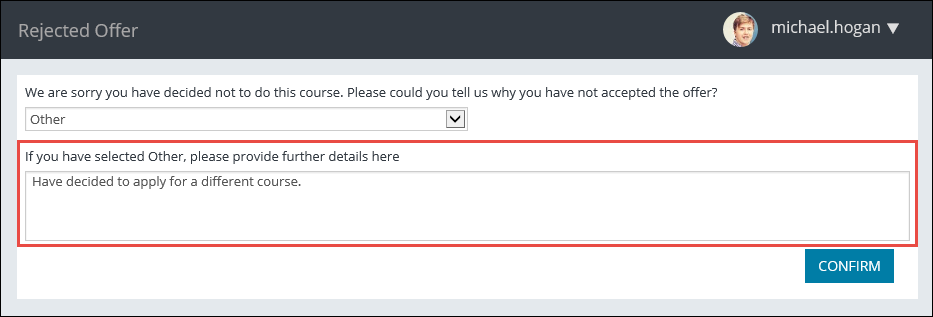
-
When the required rejection reason is selected, select the Confirm button.
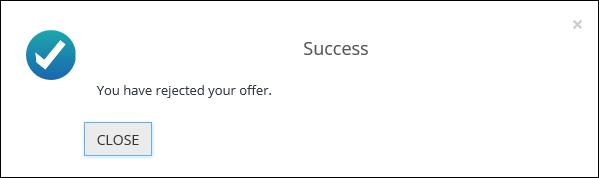
A message is displayed confirming that the offer has been rejected.
-
Select Close to close the message.
The offer is rejected.