You can import the CSV file of AEB (Adult Education Budget) postcodes released on the GOV.uk website.
To import AEB postcodes into EBS
-
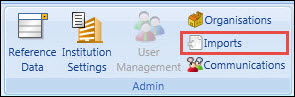
Select the Imports button on the System ribbon.
-
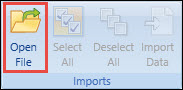
Select the Open File button on the Admin Commands ribbon.
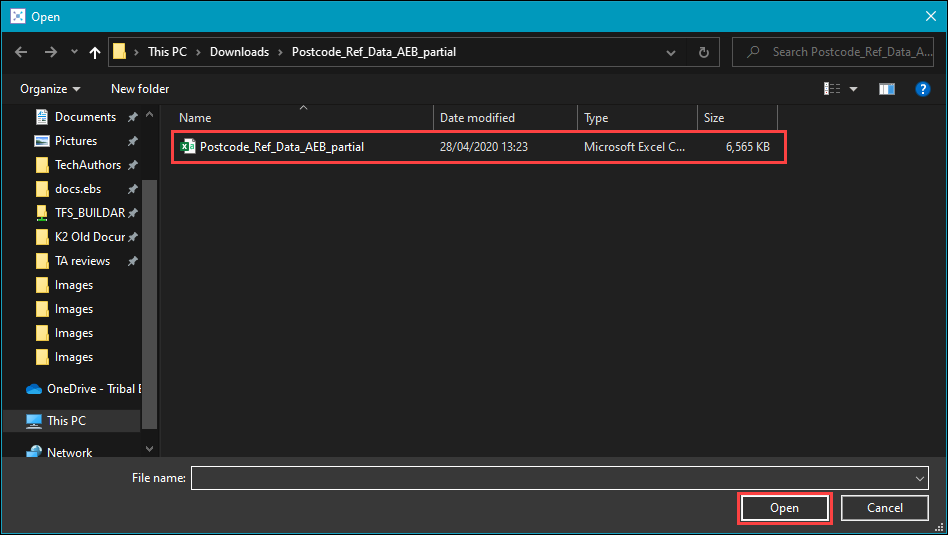
The Open window is displayed.
-
Navigate to and select the relevant CSV file, and then select the Open button.
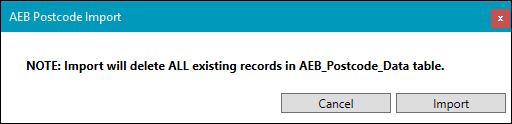
A confirmation message is displayed.
-
Select Import to continue.
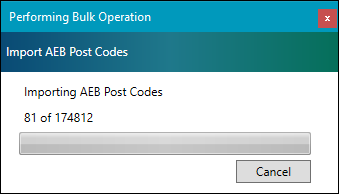
The import process is then carried out.
On completion, a window similar to the following is displayed.
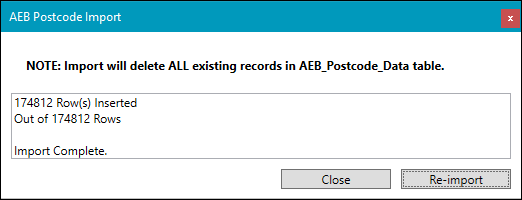
- Select the Close button to end the import, or select the Re-import button to import the file again.