The new and updated features in the 4.52 release are as follows:
Curriculum planner
|
Header
|
Business impact
|
Affected topics |
|
ENG Updated funding rates for 2026/27 and 2027/28
|
You can now plan your curriculum using the latest funding rates.
The following funding model packages are available:
-
FM 33 v4 for 2026/27
-
FM 34 v3 for 2027/28
|
Not applicable
|
|
ENG SCO Curriculum planning for 2028/29
|
You can now create curriculum plans for the 2028/29 academic year.
When you create a plan for funding year 35, you can select model version 1 for England or Scotland. Model version 1 is based on the latest funding year 34 models.
|
Not applicable
|
Exams manager
|
Header
|
Business impact
|
Affected topics |
|
SCO Updated address-field mapping for SQA outputs
|
You can now choose which address fields EBS uses in your SQA outputs.
In the Exams institution settings, use the Address 1, Address 2, Town, and County lists to select fields ranging from Address Line 1 to County.
EBS maps your selections to the SQA output as follows:
-
Address Line 1 uses the Address 1 setting.
-
Address Line 2 uses the Address 2 setting.
-
Address Line 3 uses the Town setting.
-
Address Line 4 uses the County setting.
Check these institution settings before you generate an SQA output.
|
Exams institution settings
|
|
SCO Improved validation for SQA submission files
|
EBS now prevents you from generating an SQA submission file if mandatory data is missing. The error message identifies the fields that you must complete before you try again.
|
Not applicable
|
|
SCO Generate large SQA submissions more efficiently
|
You can now generate large SQA amendment submissions more efficiently, regardless of submission type.
|
Not applicable
|
|
SCO Improved navigation for SQA registrations
|
You can now right-click a submission in the SQA Registrations grid and open the Output SQA Registrations screen.
EBS automatically adds the selected submission details to the output screen, so you do not need to enter them again.
|
Not applicable
|
Workflow
|
Header
|
Business impact
|
Affected topics |
|
Workflow builder interface changes
|
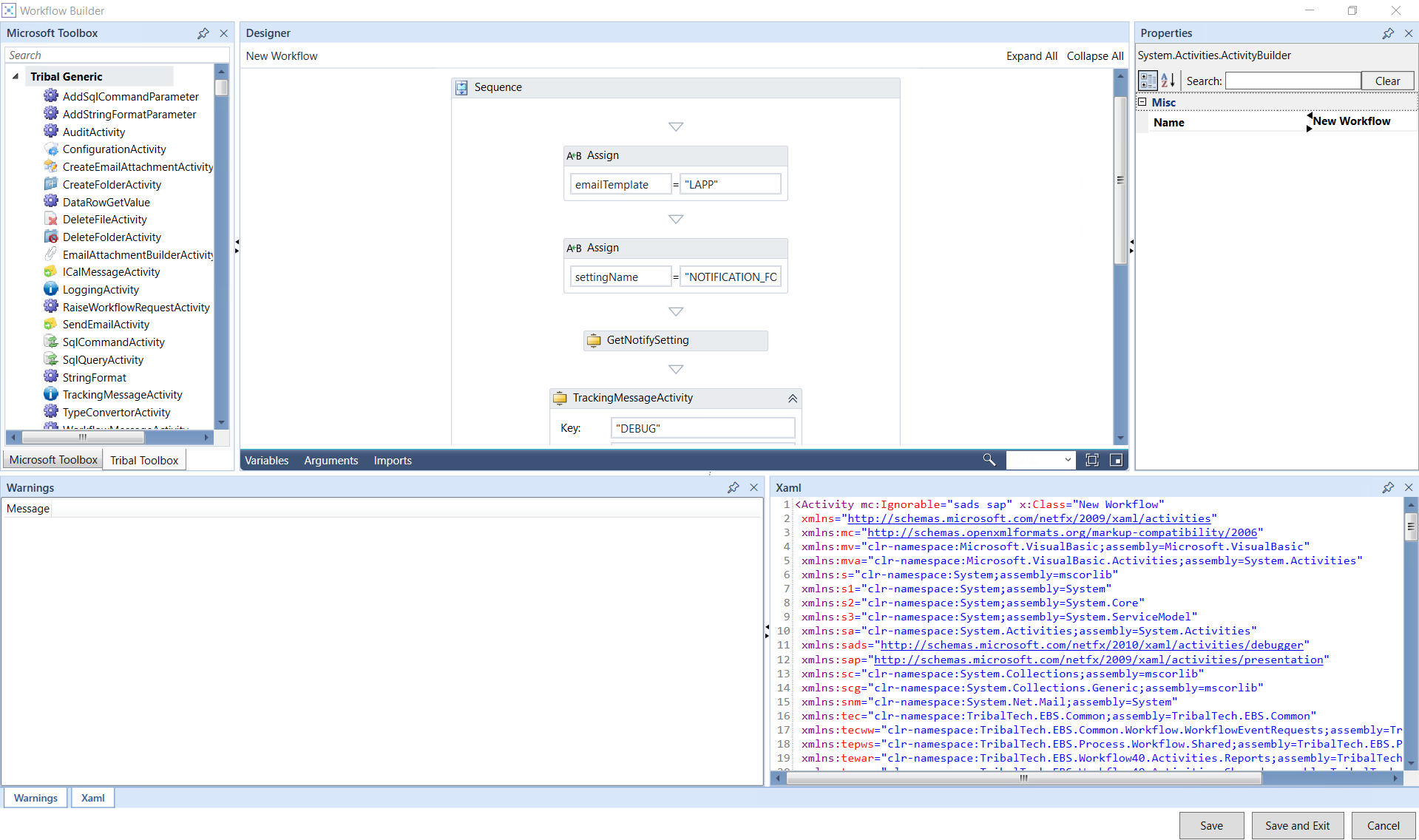
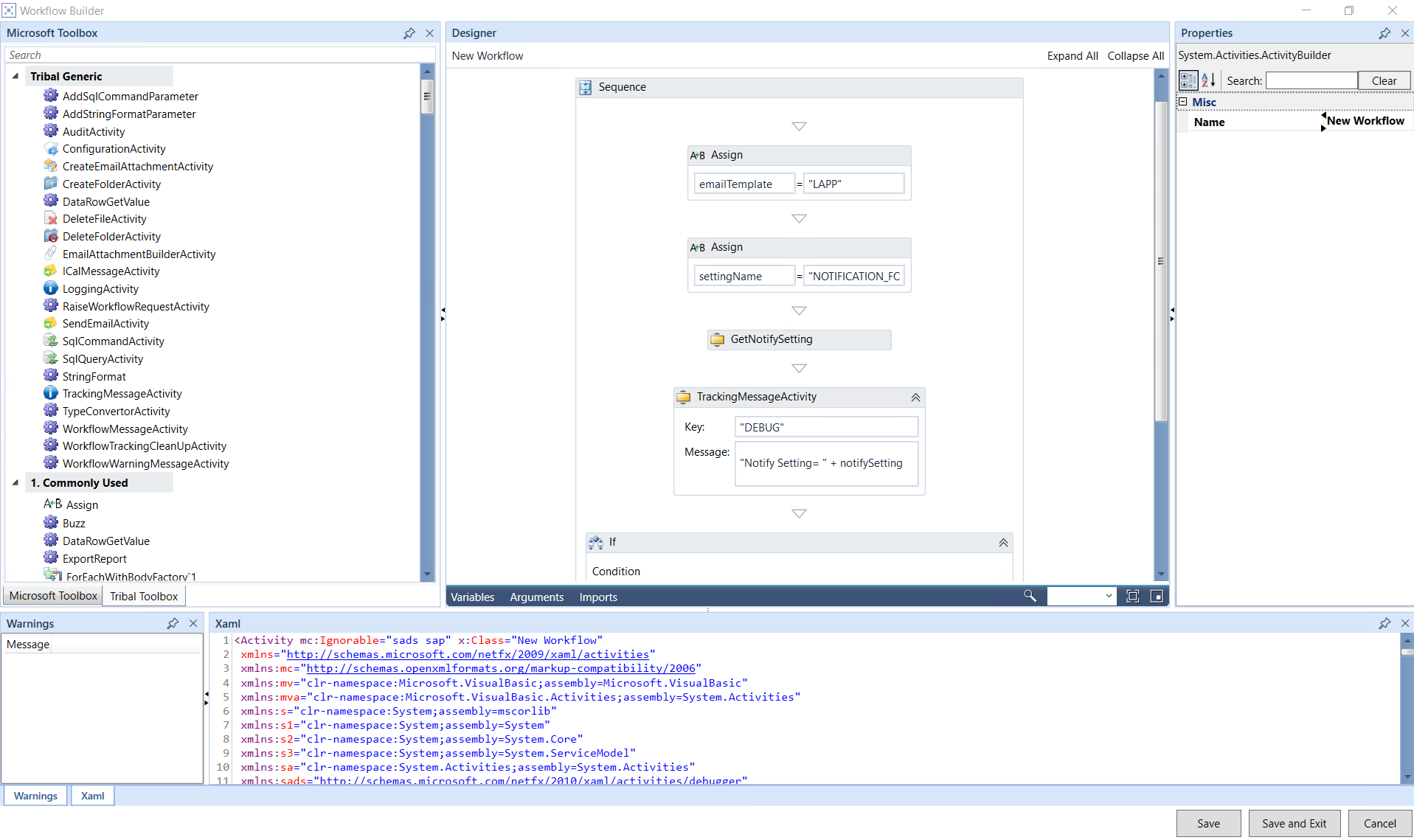
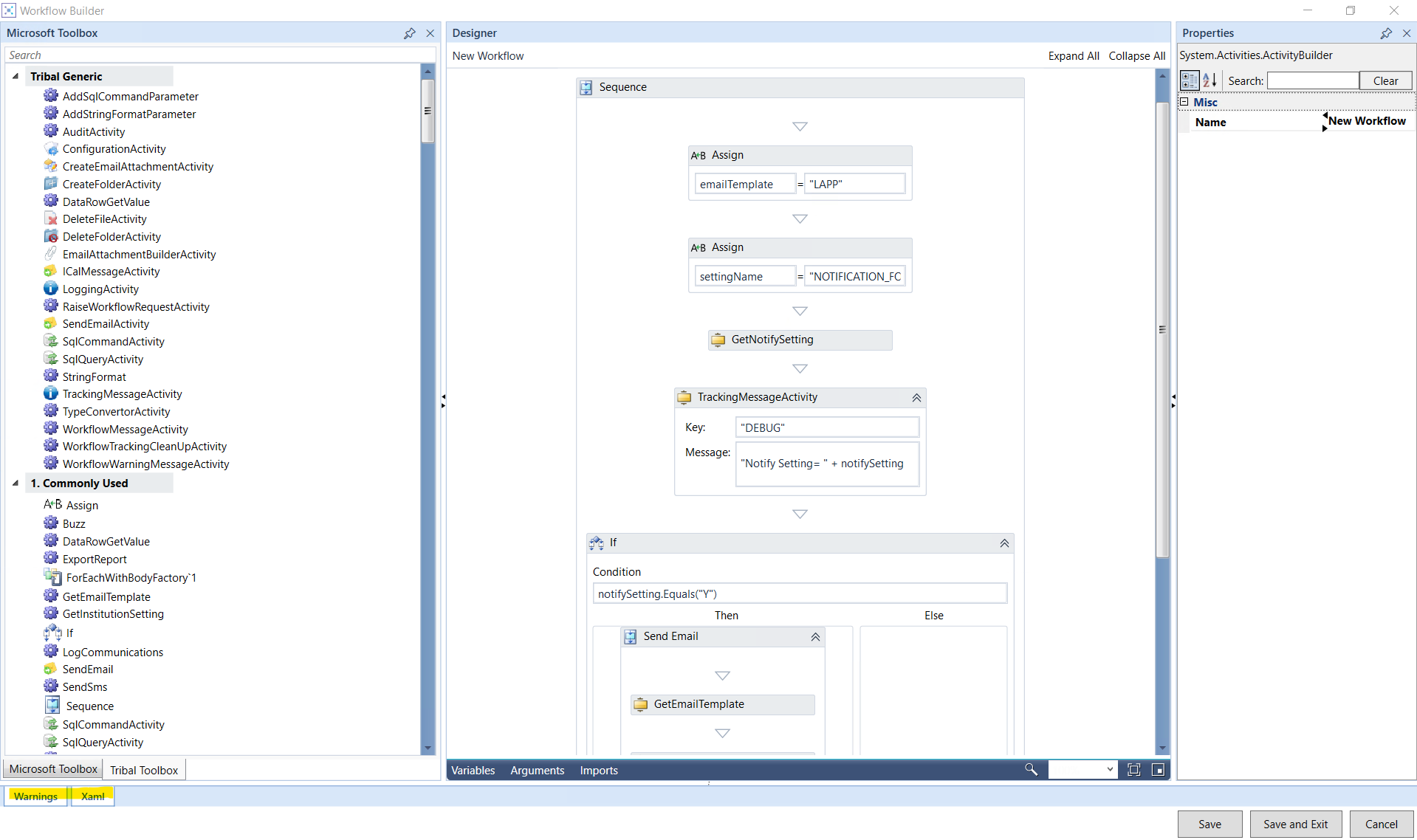
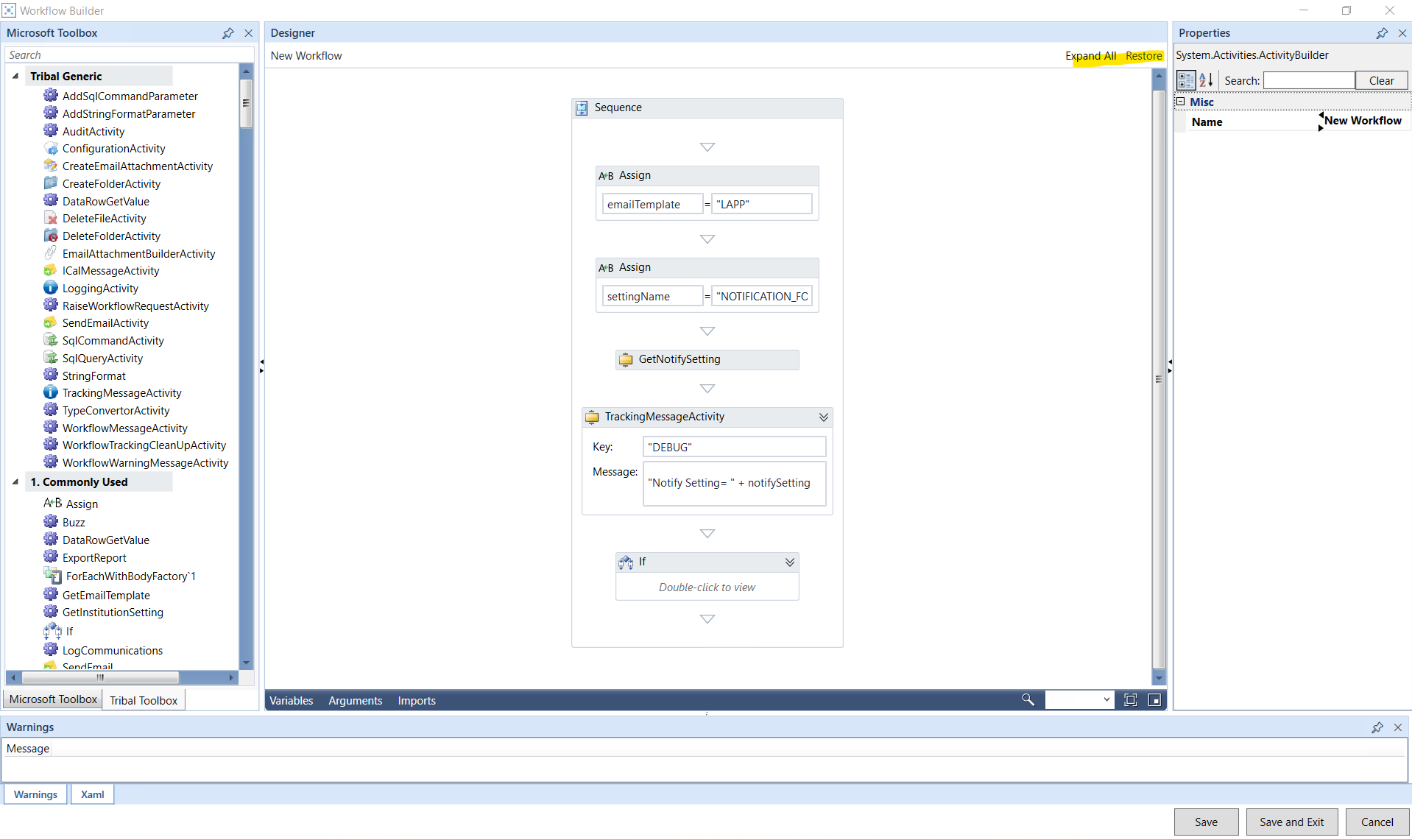
The Workflow Builder interface has changed following a component upgrade. Most functionality remains unchanged.
You can still customise the screen layout by:
-
Resizing panels using the splitter bars.
-
Hiding panels using the auto-hide pin.
-
Expanding or collapsing panels.
You can no longer undock panels or move them to another position on the screen.
The interface changes are shown in the images below:
-
Workflow builder screen
-
-
Resized panel
-
-
Hide or minimize the panel
-
-
Expanded or collapsed panel
-
|
Not applicable
|
|
Change to exported time values in SmcXmlExportActivity
|
In Workflow Builder, you can use SmcXmlExportActivity to export data based on a screen configuration.
An internal data-access change has been made to this activity. The change does not affect how you configure or start an export. However, exported time values now use the 24-hour format instead of the 12-hour format with AM or PM.
|
Not applicable
|