To start reports, do one of the following:
-
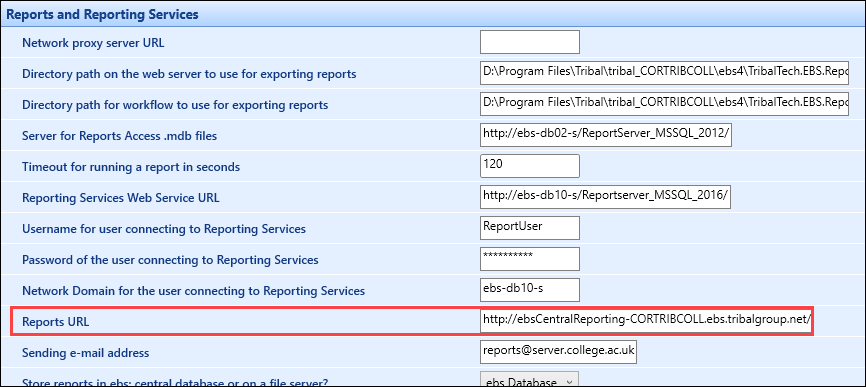
Enter the URL from the Reports URL institution setting on the Reports and Reporting Services screen in the required web browser
-
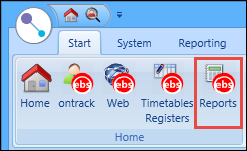
Select the Reports button on the Start ribbon in Central
-
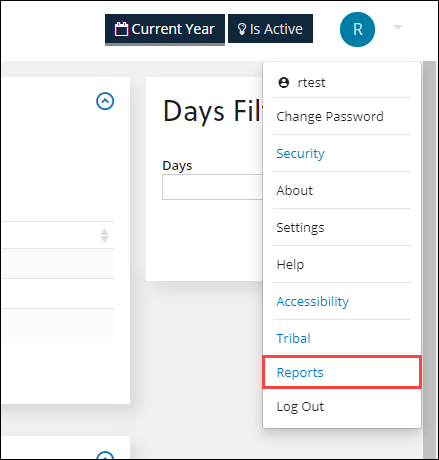
Select the Reports option from the header menu in Ontrack Staff Hub