To add a course to an event:
-
Open the required event. See Open an Existing Event for further information.
-
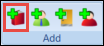
Select the Add Course button in the Add section of the Timetable ribbon.
 Important.You can also select and hold (or right-click) on the Courses tab and select Add to add a course to an event.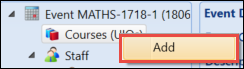
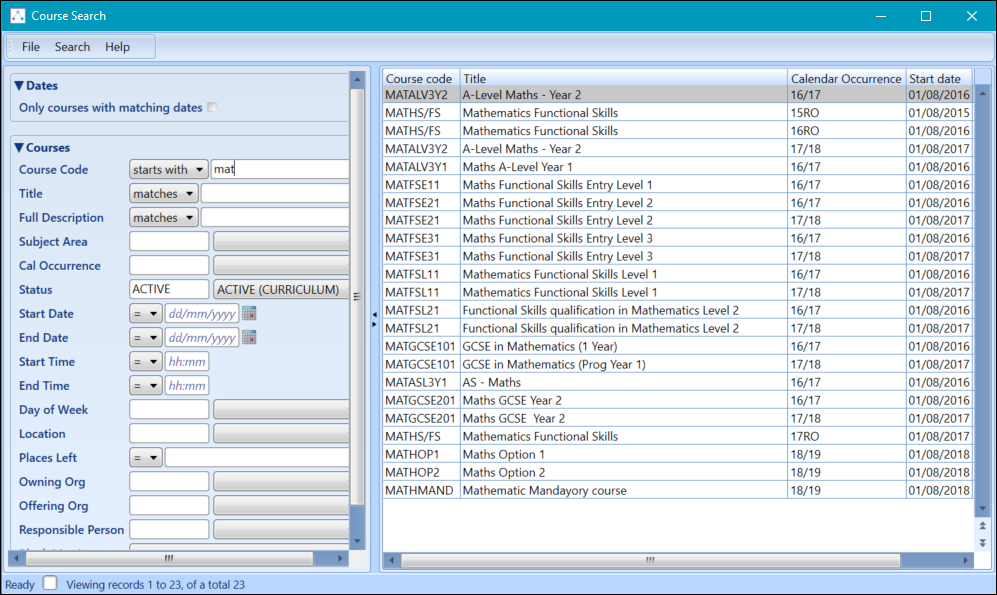
The Course Search window is displayed.
-
Use the Course Search window to search for the required course.
-
Select the required course to add to the event.

See Using the Event Tabs for further information on using the Course tabs.