The ILP screen contains the institution settings for use in the ILP Admin module.
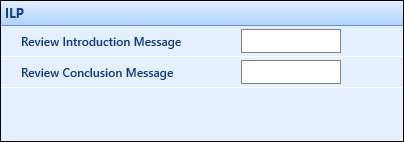
The fields on the ILP screen are described in the following table.
| This field | Holds this information... |
|---|---|
|
Review Introduction Message |
The introduction message displayed on the ILP Admin review screen. |
|
Review Conclusion Message |
The conclusion message displayed on the ILP Admin review screen. |
| Enable Learner Search in ILP Tutor |
Enables you to select how learners are displayed:
|