The group management module in EBS Ontrack Staff Hub helps you manage course groups and learner group membership for Shape. You use the module in two main ways, to manage course groups, and to manage learner membership.
Course group management
This area helps you set up and maintain groups within the curriculum. You can:
-
Search for a course to access its group information.
-
Review the groups that already exist for a course.
-
Add new groups or inactivate groups you no longer need.
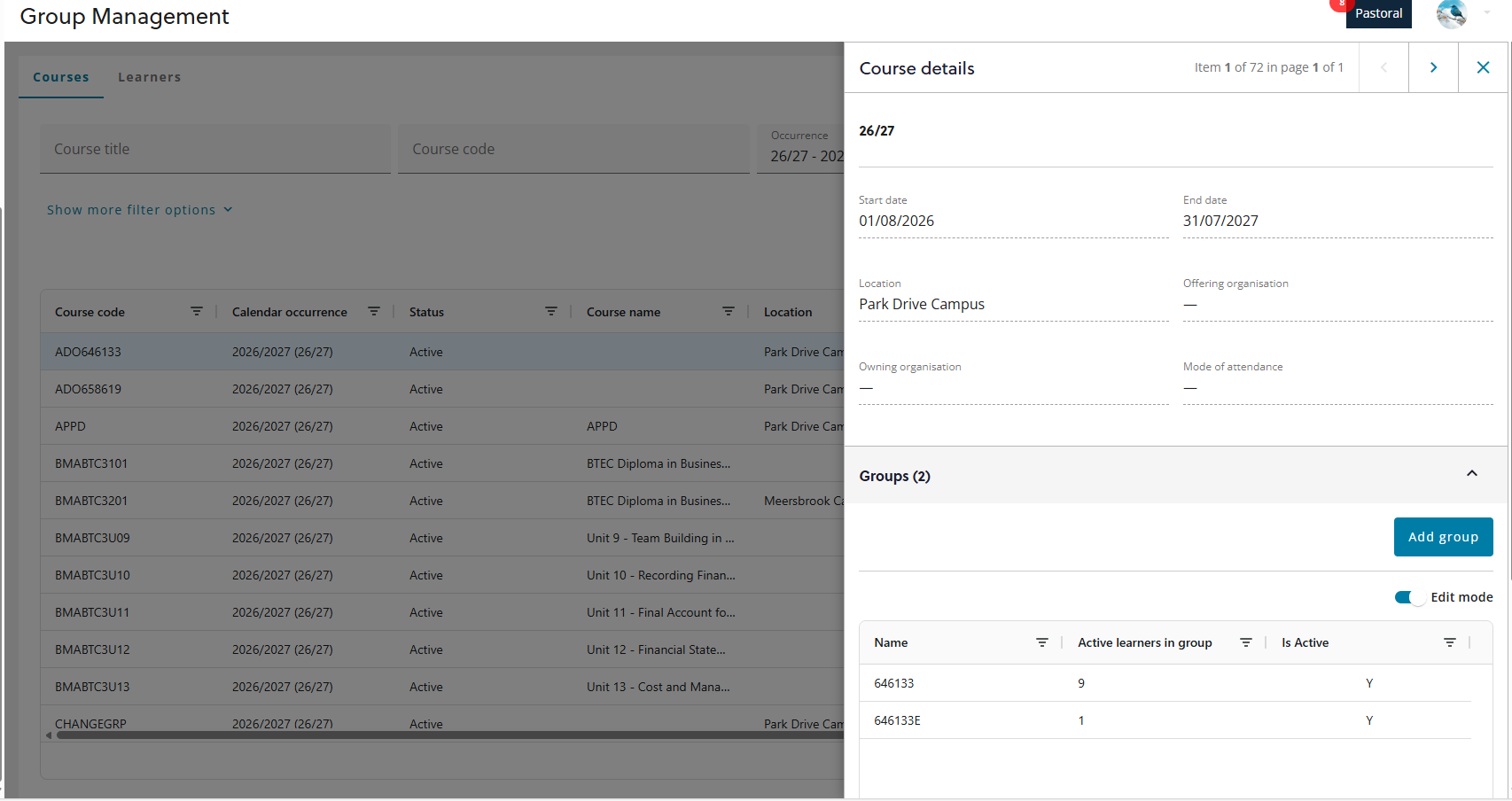
The image below shows the course group management page with a selected course with the groups being edited.
Learner and group membership management
This area helps you control how learners are placed into groups. You can:
-
Search for individual learners.
-
View each learner’s group membership for a course.
-
Change a learner’s group membership by adding them to a group, removing them, or transferring them between groups.
-
Make membership changes in bulk when you need to update multiple learners on the same course.
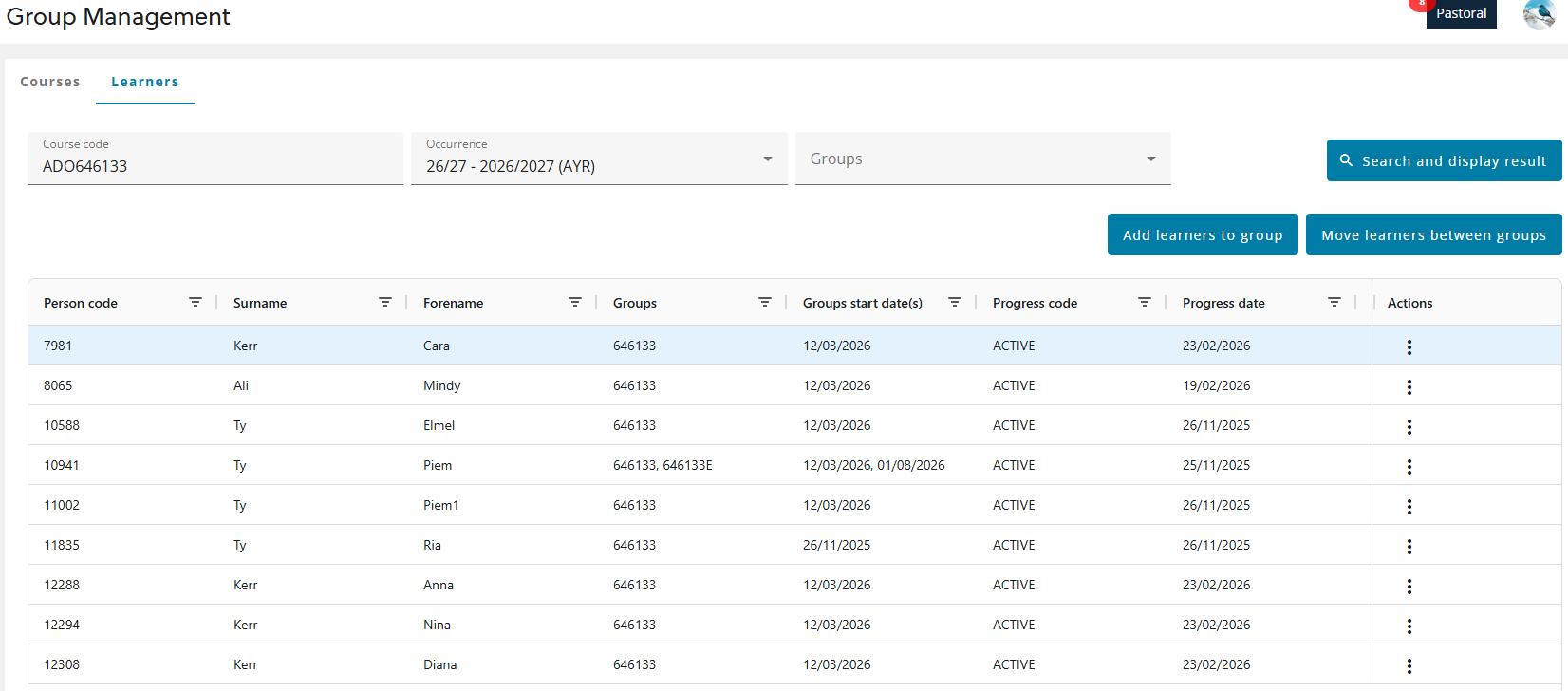
The image below shows the learners tab of group management with a course and occurrence selected.