This online help section describes the institution settings that are used throughout EBS.
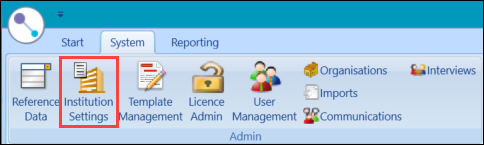
You can access institution settings by selecting the Institution Settings button on the System ribbon.
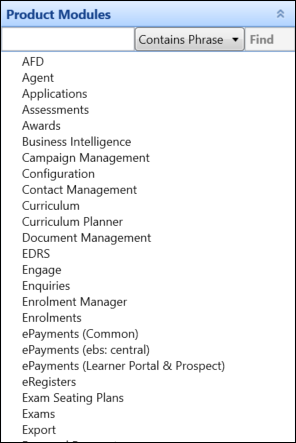
The Institution Settings screen is displayed, where you can select a category from the Product Modules panel or use the Search bar to search for a specific setting.
 Institution settings by category
Institution settings by EBS module
Institution settings by category
Institution settings by EBS module
Select from the following list to view institution settings specific to various modules in EBS
- Organisation Management
- Reports
- Support Manager
- User Management
- UK Curriculum Planner
-
UK MIAP/LRS
-
ENG ILR
-
NI CDR
-
WAL EMA
-
WAL LLWR
-
NZ LNAAT
-
NZ NSI-NSN
-
NZ SDR
-
AUS TCSI