Ontrack Contact Hub is an online space you use to view and keep track of communication between a learning provider and an individual you support. It brings together messages, notes, and updates in one place so you can stay informed. You can use Ontrack Contact Hub to understand how the provider is supporting the learner and to keep track of relevant communication.
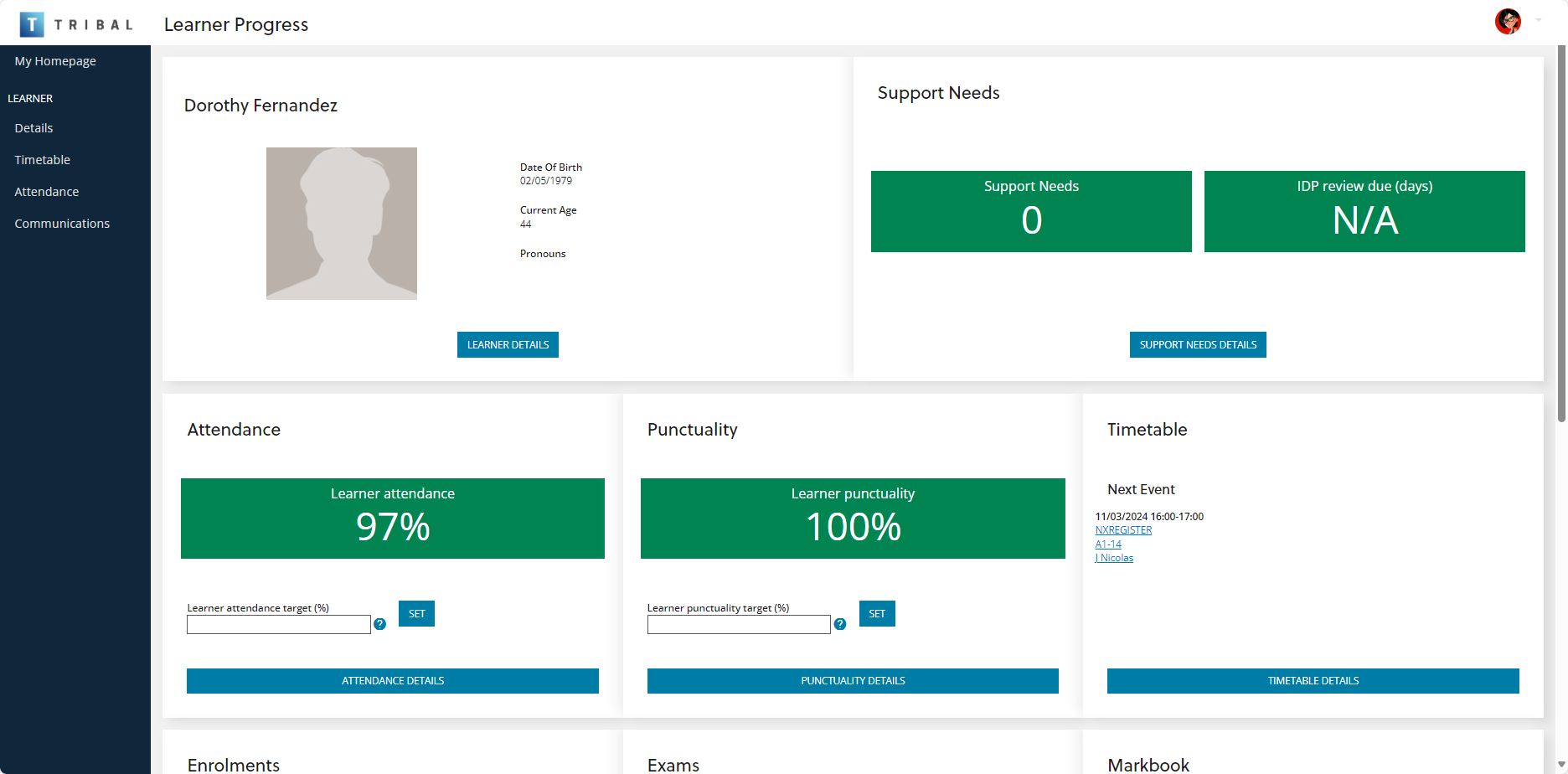
After you sign in, the homepage appears. It shows basic details for all learners who have granted you access as a contact. To view more information about a learner, select Learner Progress under their name and image. The image below shows an example of the Ontrack Contact Hub homepage.
Why you use Ontrack Contact Hub
You use Ontrack Contact Hub to:
-
View messages and updates from the learning provider.
-
Review a record of communication linked to the learner.
-
Keep track of important information and follow‑ups.
-
Stay informed about the learner’s progress and engagement.
By having everything in one place, you can stay up to date without needing to contact multiple staff members.
How Ontrack Contact Hub works
Contact Hub stores communication and activity linked to a learner in a single record.
When you access Ontrack Contact Hub, you can:
-
View key details about the learner.
-
See a history of messages and interactions.
-
Review updates or notes added by staff.
-
Stay informed about actions or next steps.
This helps you understand what is happening and ensures you have access to consistent information.
Key features
Learner overview
You can view important details, such as:
-
Name and basic information.
-
Contact details.
-
Current status, such as applicant or enrolled learner.
-
Linked courses or programmes.
Communication history
You can review a timeline of communication, including:
-
Emails.
-
Messages.
-
Notes from staff.
-
Updates about support or progress.
Updates and notes
Staff may add notes to record important information about progress, engagement, or support needs.
Shared information
Relevant staff can update records so that everyone involved has a consistent view of information.
When to use Ontrack Contact Hub
You typically use Contact Hub when you:
-
Want to check updates about a learner.
-
Need to review previous communication.
-
Are following up on something discussed with the provider.
-
Want a clearer picture of engagement and support.