View messages as follows:
-
Open the Communications screen.
-
Review the list of messages.
EBS displays all messages sent to you or the learner through EBS Ontrack, in date order. -
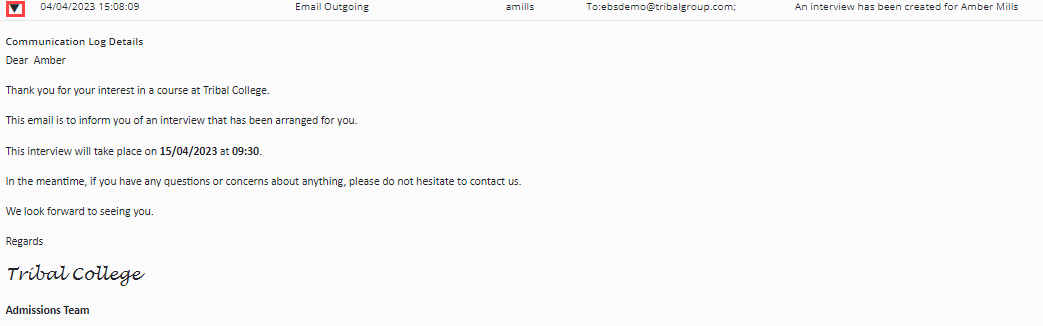
Find the message you want to view and then select the arrow next to the message, as shown in the image below.