To register for EBS Ontrack Hub, you must be invited by a learner.
Learners can invite parents, carers, or other contacts through the Access Permissions screen in EBS Ontrack Learner Hub.
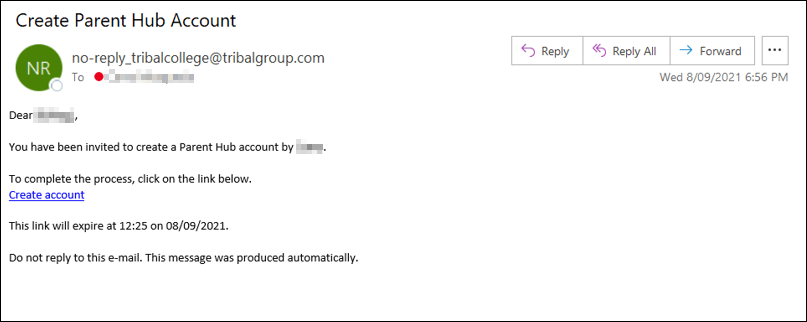
After the learner sends an invitation, you receive an email with registration details, as shown in the image below.
Create an account
Create an account as follows:
-
Open the invitation email.
-
Select Create account.
-
Follow the on-screen instructions to complete your registration. After you create an account and sign in, you can view information for each learner you are linked to. For example, personal details, attendance, timetables, and so on.